Jobs to Inbox

Best Monitors for Chart Review and Dual-Window Work

Screens judged for people who read documents all day and need two windows side by side without squinting.

5 products comparedReviewed September 6, 2026Independent · no sponsored placements

Jobs to Inbox is a participant in the Amazon Services LLC Associates Program. When you buy through links on this page we may earn a commission, at no extra cost to you. We choose every product ourselves and we are never paid to include one. How we pick.

Best Monitors for Chart Review and Dual-Window Work
The short answer

The Dell S2722QC is the one to buy for most people: 27 inches, 4K, USB-C so one cable carries video and laptop power. If you want two screens instead of one big one, buy two Dell P2723DE panels and use the second one vertically.

Best overall

Dell S2722QC

Check price

Chart review, claims work, coding and prior authorization all come down to the same physical task: reading dense text in one window while typing into another. The monitor spec that matters for that is not refresh rate or color accuracy — it is how much readable text fits on the screen at a size your eyes tolerate at 4pm.

That makes vertical space and pixel density the whole game. A 27-inch 1440p panel is the sweet spot: two full-width documents side by side, text crisp enough to sit at 100% scaling, and a price that has come down sharply. A 24-inch 1080p screen forces you to choose between tiny text and constant scrolling, which is why so many people end up with headaches on employer-issued hardware.

Check your work laptop's output before buying anything. Many issued machines are limited to a single external display, or drop to 30Hz over an older HDMI port at higher resolutions, which reads as a subtly laggy mouse all day.

Side by side

PickSizeResolutionUSB-C PDStand
Best overallDell S2722QC27 in3840 x 2160Yes, 65WHeight / tilt / pivotCheck price
Best valueDell P2723DE27 in2560 x 1440Yes, 90WHeight / tilt / pivotCheck price
Best ultrawideLG 34WQ75C-B34 in ultrawide3440 x 1440Yes, 90WHeight / tiltCheck price
Best budgetASUS ProArt PA248QV24 in1920 x 1200NoHeight / tilt / pivotCheck price
Best portableASUS ZenScreen MB16ACV15.6 in1920 x 1080Powered by cableFolding coverCheck price

Prices change daily, so we don't print them. Each button opens the current listing on Amazon.

How we picked

  • Enough vertical pixels to read a long document without constant scrolling
  • Pixel density high enough that text is crisp at 100% scaling
  • Height-adjustable stand — monitor arms are an extra purchase people skip
  • USB-C with power delivery where the laptop supports it, to cut cable clutter
  • Matte finish, because overhead lighting and glossy panels do not mix
01

Best overall

Dell S2722QC

One-screen setups where the laptop closes and lives on a stand.
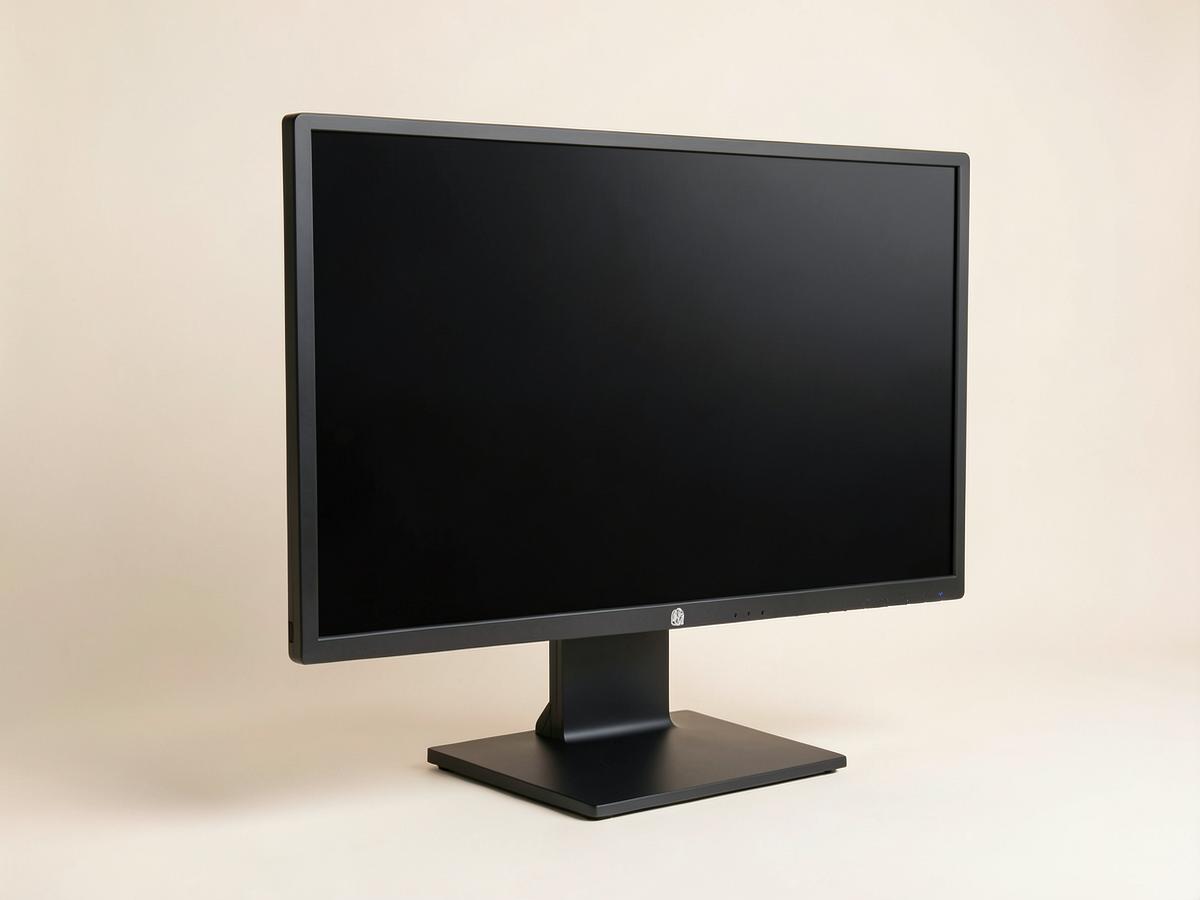
Dell S2722QC — Best Monitors for Chart Review and Dual-Window Work
Illustration — category example

A 27-inch 4K panel with USB-C power delivery, which means a single cable to the laptop for video, data and charging. Text at 4K on 27 inches is genuinely sharp, and you can run two documents side by side at readable size. Height adjustment is built in, which quietly saves the cost of an arm.

Size: 27 inResolution: 3840 x 2160USB-C PD: Yes, 65WStand: Height / tilt / pivot

What's good

  • One-cable USB-C
  • Sharp text
  • Height adjustable
  • Matte

What's not

  • Built-in speakers are poor
  • 60Hz only
Check price on Amazon
02

Best value

Dell P2723DE

Two-screen setups, or anyone who wants one now and one later.

Dell P2723DE — Best Monitors for Chart Review and Dual-Window Work
Illustration — category example

1440p rather than 4K, which is the right compromise at this size — text stays crisp without needing display scaling, and the price lets you buy two. Daisy-chaining over USB-C means the second panel does not need its own run back to the laptop. Turn one of them vertical for long documents and you will not go back.

Size: 27 inResolution: 2560 x 1440USB-C PD: Yes, 90WStand: Height / tilt / pivot

What's good

  • Buy two for the price of one 4K
  • USB-C hub built in
  • Pivots to vertical

What's not

  • Not 4K
  • Plain office styling
Check price on Amazon
03

Best ultrawide

LG 34WQ75C-B

Anyone who keeps three windows open — chart, notes and a phone system.

LG 34WQ75C-B — Best Monitors for Chart Review and Dual-Window Work
Illustration — category example

An ultrawide replaces two monitors with one uninterrupted surface, which matters when the third window is always in the way. The gentle curve keeps the far edges readable. The catch is vertical height: it is no taller than a 27-inch panel, so a long document still scrolls the same amount.

Size: 34 in ultrawideResolution: 3440 x 1440USB-C PD: Yes, 90WStand: Height / tilt

What's good

  • Three windows without a bezel
  • One cable
  • Curve helps at the edges

What's not

  • No extra vertical space
  • Wide footprint
Check price on Amazon
04

Best budget

ASUS ProArt PA248QV

Tight budgets that still need readable text and a real stand.

ASUS ProArt PA248QV — Best Monitors for Chart Review and Dual-Window Work
Illustration — category example

A 24-inch 1920x1200 panel — note the 1200, not 1080. That extra vertical strip is roughly one more paragraph visible at all times, and over a shift of chart review it adds up. Full ergonomic stand at a budget price, which almost nothing else in this range offers.

Size: 24 inResolution: 1920 x 1200USB-C PD: NoStand: Height / tilt / pivot

What's good

  • 16:10 gives extra height
  • Full ergonomic stand
  • Matte, accurate panel

What's not

  • No USB-C power
  • Small for side-by-side windows
Check price on Amazon
05

Best portable

ASUS ZenScreen MB16ACV

Travel nurses, hotel weeks, and anyone working from more than one place.

ASUS ZenScreen MB16ACV — Best Monitors for Chart Review and Dual-Window Work
Illustration — category example

A second screen that lives in a laptop bag and runs off one USB-C cable. It is not a replacement for a desk monitor and the stand is a folding cover, but going from one screen to two in a hotel room is a bigger productivity jump than going from two good screens to three.

Size: 15.6 inResolution: 1920 x 1080USB-C PD: Powered by cableStand: Folding cover

What's good

  • Runs off one USB-C cable
  • Fits in a laptop sleeve
  • Matte

What's not

  • Flimsy cover stand
  • Dim in bright rooms
Check price on Amazon

Before you buy

Get the height right before you spend anything else. The top of the screen should sit at or just below eye level, roughly an arm's length away. Most people work with a monitor far too low, and the resulting neck angle is the actual cause of what they think is eye strain. A height-adjustable stand or a $30 riser fixes it permanently.

If you are running a second screen, turn it ninety degrees. A vertical panel shows an entire page of a document or a full claim at once, and for anyone whose day is reading rather than watching, it is the single best change you can make to a two-monitor setup. Every monitor above except the portable and the ultrawide pivots.

Keep reading

As an Amazon Associate we earn from qualifying purchases. Product availability and prices on Amazon change frequently and anything shown here may be out of date by the time you click. How we pick our recommendations.