
Remote Job Search Tips and Resumes
Can Hiring Software Read Your Resume? A 7-Point Test You Can Run for Free
Find out if your resume is machine-readable and run it through our free ats resume checker to make sure you land in the "yes" pile.
The quick answer
- Yes, specialized hiring software almost always reads your resume before a human does.
- It scans for keywords, dates, and job titles, and gets confused by complex formatting.
- Use a simple layout with standard section titles to ensure your information is read correctly.
Free tool
Try it on your own resume or email with our Resume Checker
It takes a few minutes and costs nothing.
Open the Resume CheckerIt is one of the most frustrating parts of the modern job search. You spend hours perfecting your resume, tailoring it to a job that seems like a perfect fit. You submit your application, full of hope, and then you hear nothing back. Not even a "no, thank you." It can feel like your resume was sent into a black hole, and in a way, it was. Before a hiring manager ever sees your application, you first need to get past the gatekeeper: hiring software. This is where a good ats resume checker becomes an essential tool.
The good news is that you can absolutely format your resume to pass this initial screening. The software is not looking to trick you. It is a tool designed for efficiency, and it follows a set of predictable rules. By understanding those rules, you can create a document that sails through the initial software scan and lands in front of a real person. This guide will give you a seven-point test you can run on your own resume to see if it is ready for today’s application process.
What Is This “Hiring Software” Anyway?
When you apply for a job online, especially at a medium or large organization, your resume is not sent directly to a hiring manager’s inbox. Instead, it is uploaded into a large digital database. Think of it as a massive, searchable filing cabinet for job applications. This system helps recruiters manage the hundreds, or even thousands, of applications they receive for a single open role. Without it, they would be completely overwhelmed.
This software performs a few key functions. First, it parses your resume. This means it scans the document and tries to pull out key pieces of information, like your name, contact details, work history, education, and skills. It then neatly organizes this data into a digital profile for the recruiter to view. Second, it allows the recruiter to search and filter all the applications. They can search for keywords like “project management” or filter for candidates with a certain number of years of experience. Your goal is to make sure the software can parse your information correctly and that your resume contains the keywords the recruiter is searching for. It is not about cheating the system, but about presenting your qualifications in a language the system can understand.
The Foundation: Your Resume's Layout and Structure
Before the software can even analyze the content of your resume, it has to be able to read its basic structure. Many talented job seekers are accidentally disqualified at this first step because they prioritize visual design over machine readability. A resume that looks beautiful to the human eye can be a jumbled mess to a software parser. These first two checks ensure your resume’s foundation is solid.
1. Your Resume Uses a Plain, Single-Column Layout
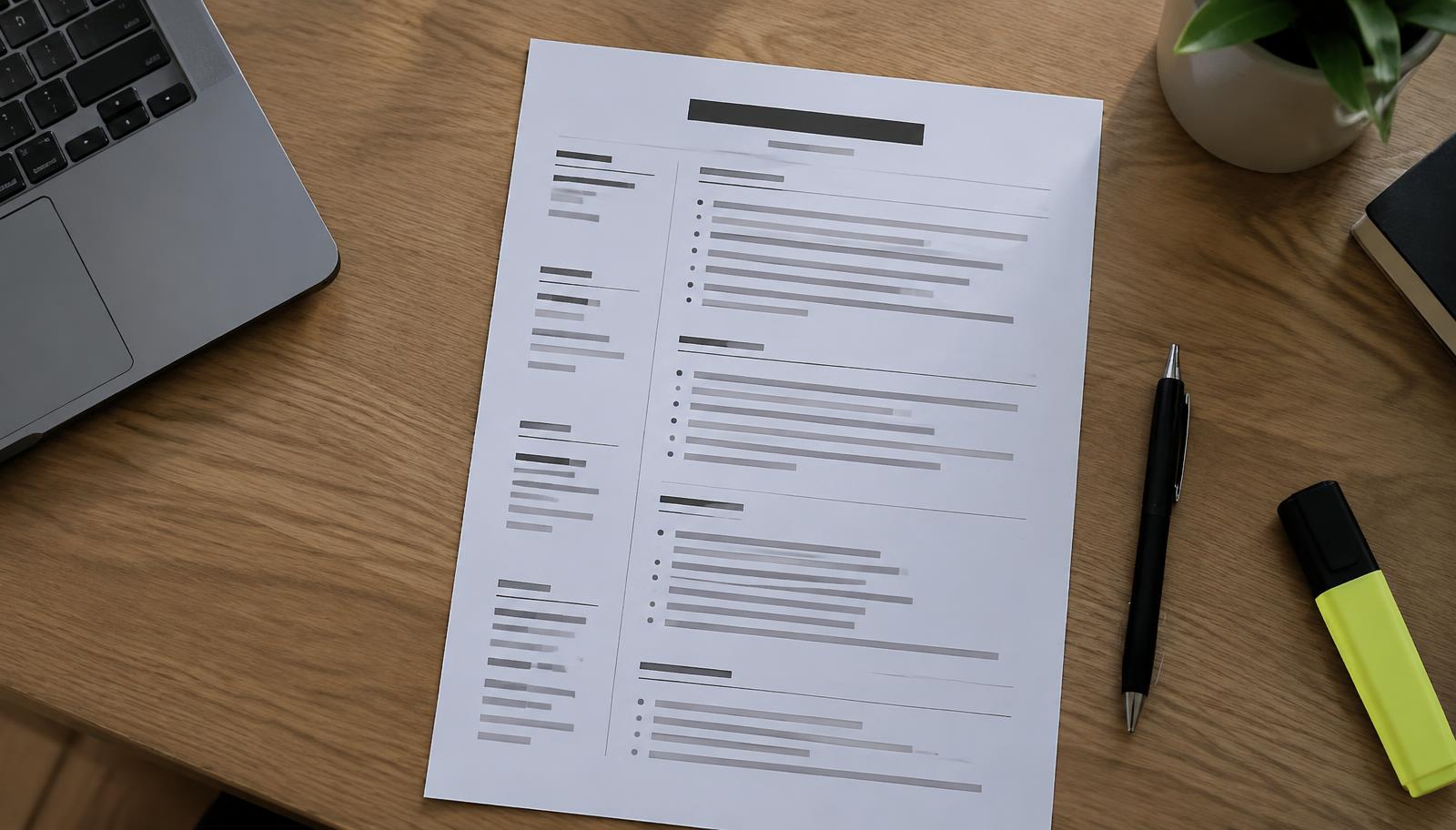
One of the most common mistakes job seekers make is using a fancy, multi-column resume template. These templates often feature a narrow column on the left for contact information and skills, and a wider main column on the right for work experience. While visually appealing, this format is a nightmare for most hiring software. The software is programmed to read from left to right, top to bottom, like a simple text document.
When it encounters two columns, it may try to read straight across, mashing the content from both columns together into a single, nonsensical line of text. Your contact information could get mixed up with your job duties. A skill listed on the left might merge with a company name on the right, creating gibberish. Tables, text boxes, and other graphic elements present the same problem. They break up the natural flow of text that the software is designed to follow.
The solution is to stick with a clean, professional, single-column layout. Your name and contact information should be at the top, followed by your summary, skills, work experience, and education, all flowing down in one continuous column. Use standard margins, typically around one inch on all sides, and a professional, easy-to-read font like Arial, Calibri, or Times New Roman. A font size between 10 and 12 points is ideal. This simple format ensures that the software will read your information in the exact order you intended, without any confusion or data loss. It might not look as flashy, but its effectiveness is far more important.
2. You Use Standard, Recognizable Section Names
Once the software understands the layout, it looks for signposts to help it categorize your information. These signposts are your section headings. The software is programmed to look for specific, standard heading titles to know where to find your work history, your educational background, and your list of skills. If you use creative or unconventional names for these sections, the software may not recognize them and could skip over the valuable information contained within.
For example, instead of “Work History” or “Professional Experience,” you might be tempted to use something more dynamic like “My Career Journey” or “Where I’ve Made an Impact.” While a human reader might appreciate the creativity, the software is looking for a direct match with its programming. It expects to see headings like “Work Experience,” “Professional Experience,” or “Employment History.” For your skills, stick with a simple “Skills” or “Technical Skills” heading, not “My Superpowers.” For your education, use “Education” or “Academic Background.”
By using these standard, universally recognized headings, you are essentially giving the software a clear map of your resume. When it sees the heading “Work Experience,” it knows that the text following it should be parsed as job entries, complete with company names, titles, and dates. If it sees a heading it does not recognize, it might miscategorize the information or, in a worst-case scenario, ignore it completely. This means your entire work history could be missing from your digital profile, making it impossible for a recruiter to see your qualifications. Stick to the classics. It is the safest and most effective way to ensure all your information is correctly sorted.
Content is King: Matching the Job Description
After ensuring your resume is structurally sound, the next and most critical phase is the content itself. Hiring software does not just sort your information; it ranks your application based on how well you match the requirements of the job. This is where keyword optimization becomes the single most important activity in tailoring your resume for a specific application.
3. Your Resume Keywords Match the Job Description
When a recruiter posts a job, they have a clear idea of the skills, qualifications, and experience they are looking for. They translate these requirements into the job description. Later, when they are sifting through hundreds of applications in their software, they will search for those exact same terms. If your resume does not contain the keywords they are searching for, your application will simply not appear in their search results, no matter how qualified you are.
This is why a one-size-fits-all resume is so ineffective. You must tailor your resume for every single job you apply for. The process is straightforward but requires attention to detail. First, carefully read the job description for the role you want. As you read, highlight or make a list of the key responsibilities, skills, and qualifications mentioned. Pay close attention to nouns and specific phrases. Are they looking for “content marketing” or “digital media strategy”? Do they require experience with “data analysis” or “business intelligence reporting”? Note the exact terminology they use.
Next, review your resume and look for opportunities to incorporate these exact keywords and phrases. Your professional summary at the top is a perfect place to include 2-3 of the most important terms. In your skills section, make sure you list the specific technical skills or software methodologies mentioned in the description. Most importantly, weave these keywords naturally into the bullet points describing your accomplishments in your work experience section. For example, instead of saying you “were in charge of social media,” you could say you “developed and executed a social media strategy that increased user engagement,” assuming “social media strategy” was a key phrase in the job description. This not only adds the keyword but also demonstrates your achievement. This process ensures that when a recruiter searches for candidates with those specific qualifications, your resume rises to the top of the list.
Free tool
Try it on your own resume or email with our Resume Checker
It takes a few minutes and costs nothing.
Open the Resume CheckerGet new remote jobs sent to your inbox.
We check the employer career pages in this article every day and email you the new openings — with the real apply link, not a repost.
Free. Unsubscribe any time.
The Technical Test: Run Your Own Free ATS Resume Checker
Beyond the layout and content, a few technical details can make the difference between a resume that is parsed perfectly and one that is rejected due to a simple error. You can think of these checks as a final technical inspection before you submit. Running these simple tests is like using a free ats resume checker to catch problems before they happen.
4. Your Resume File is Readable
The file format you use to save your resume is incredibly important. You might have a perfectly formatted, keyword-rich resume, but if the software cannot open or read the file, all your work is for nothing. Some job application portals specify the file types they accept, such as .docx or .pdf, and you should always follow those instructions. If no format is specified, you have a choice to make.
A standard word processing document (.docx) is almost universally readable by hiring software. It is a safe and reliable choice. A Portable Document Format (.pdf) is also very common and is great for preserving your formatting so it looks the same on any device. However, not all PDFs are created equal. You must ensure you are creating a text-based PDF, not an image-based one. A text-based PDF is created when you use the “Save As” or “Export” function in your word processing program to create the PDF. This keeps all the text selectable and readable. An image-based PDF is created if you, for example, design your resume in a graphic design program and save it as an image, or if you print your resume and then scan it. To the software, an image-based PDF is just a picture. It contains no text to parse.
Here is a simple test you can perform. Open your resume file. Can you click and drag your cursor to highlight a sentence? Can you copy that sentence and paste it into a blank text document? If the text pastes perfectly, your file is text-based and readable. If you cannot select the text at all, or if it pastes as a string of gibberish, then the hiring software will have the same problem. Always use a .docx file or a text-based .pdf to be safe.
5. Your Contact Details Are in the Body Text
This is a small but crucial detail that is easy to overlook. Many people are used to placing their name, phone number, email address, and professional profile link in the header section of their word processing document. This makes sense from a design perspective, as it keeps the information neatly contained at the top of every page. However, some hiring software systems are programmed to skip over the information in a document’s header and footer.
The software is primarily focused on parsing the main body of the text. It sees the header and footer as metadata, separate from the core content of your resume. If your contact information exists only in that header space, there is a risk that the system will fail to parse it. This would be a catastrophic failure. The recruiter might love your experience, but if your contact information is not in your digital profile, they have no way to reach you for an interview.
To avoid this potential issue, the solution is simple and takes only a few seconds. In addition to, or instead of, placing your contact details in the header, make sure they are also present at the very top of the main body of the document. Simply type your name, phone number, and email address as the first lines of text on the page before your professional summary begins. This ensures that even the most basic parsing software will capture this essential information and place it correctly in your application profile. It is a simple redundancy that acts as a powerful insurance policy.
6. Your Dates Are Formatted Consistently
Hiring software does not just read the dates of your employment; it often uses them to perform calculations. The system may automatically calculate the length of time you spent in each role and your total years of professional experience. This is often a key filtering criterion for recruiters. For these calculations to work correctly, your dates must be presented in a clear, consistent, and machine-readable format.
Inconsistency is the biggest enemy here. Using different formats throughout your resume, such as “Jan. 2022,” “02/2023,” and “March of ‘24,” can confuse the parser. It might not recognize one of the formats, leading to an error in its calculation of your experience. Similarly, using only the year (e.g., “2021 – 2023”) is not specific enough and can make it difficult for the system to accurately assess your timeline.
The safest and most recommended format is to write out the full month and year. For example: “January 2020 – August 2023.” For a role you are still in, use “Present” as the end date: “May 2021 – Present.” Use this exact same format for every single entry in your work experience and education sections. Using the full month name instead of an abbreviation or number (e.g., “January” instead of “Jan” or “01”) removes any ambiguity. This level of consistency and clarity ensures the software can accurately calculate your experience, which might be the very thing that qualifies you for a recruiter’s filtered search of candidates with a specific number of years of experience.
Final Polish and Avoiding Pitfalls
With the core structure, content, and technical details in place, the final step is a polish to remove any remaining elements that could trip up the software. This is also a good time to remember that as you navigate the online job application world, you must remain vigilant and aware of potential scams that prey on hopeful job seekers.
7. Your Resume Contains No Images, Icons, or Graphics
In an effort to make a resume stand out, many people add visual elements like a professional headshot, company logos, small icons next to their contact information, or graphical bars to rate their skill proficiency. While these might seem like nice touches for a human reader, they are worse than useless to hiring software. To a parser, these graphical elements are either invisible or, worse, they are seen as junk data that can interrupt the flow of text and cause parsing errors.
The software cannot see your photo or interpret what it is. It cannot understand that a five-star graphic next to a skill means you are an expert. It just sees a non-text element that it cannot process. In some cases, the text wrapped around a graphic can be scrambled or ignored entirely. All information on your resume should be conveyed through text alone.
Instead of using a graphical bar to show your proficiency in a skill, you can use descriptive text in your experience section to demonstrate your expertise. For example, rather than a five-star rating for “email marketing,” you could have a bullet point that says, “Managed email marketing campaigns for a list of 50,000 subscribers, achieving an average open rate of 25%.” This is far more powerful and is perfectly readable by both software and humans. Remove all photos, logos, icons, and any other graphical flair. A clean, text-only resume is the goal.
A Quick Note on Spotting Fake Job Offers
As you use your newly optimized resume to apply for jobs, it is vital to be cautious. The anonymity of the internet can unfortunately be used by scammers creating fake job postings to steal personal information or money. Be wary of any job offer that seems too good to be true.
Red flags include extremely vague job descriptions, salary offers that are significantly higher than the typical range for the role, and communication from recruiters using personal email addresses instead of a corporate email domain. A legitimate company will almost always conduct one or more interviews before making an offer. Be highly suspicious of any on-the-spot job offer made without a real conversation. Never provide your bank account details, social security number, or any other sensitive personal information over email or an insecure form. Finally, you should never have to pay for a job. If an employer asks you to pay for equipment, background checks, or training materials upfront, it is very likely a scam. Trust your instincts and proceed with caution.
What To Do Today
Reading about these rules can feel overwhelming, but putting them into practice is a concrete, manageable process that will give you more control over your job search. Instead of just hoping for the best, you can take deliberate action to improve your chances. Here is what you can do today.
First, open your current resume. At the same time, open a brand new, blank word processing document. This will be your clean slate.
Second, go through the seven-point test in this article one by one. Start by setting up your new document. Use a single-column layout, a standard font, and normal margins. Type your name and contact information at the very top of the page, inside the main body.
Third, begin copying and pasting your information from your old resume to the new one, but do it section by section. As you add each section, make sure you are using standard headings like “Professional Experience” and “Education.” As you add your job history, reformat all your dates to the consistent “Month Year – Month Year” format. Remove every single image, icon, or graphic.
Finally, find a remote job you are genuinely excited about. Read the job description carefully and identify the top five to ten keywords. Weave these keywords into your new, clean resume, especially in the summary and experience sections. Once you are done, run your new document through an ats resume checker to get a final confirmation that it is machine-readable and ready to go. This new, optimized master resume is now your powerful tool for the modern job search.
Pay figures are typical ranges, not guarantees. See today's live jobs.